Back up to more than one place
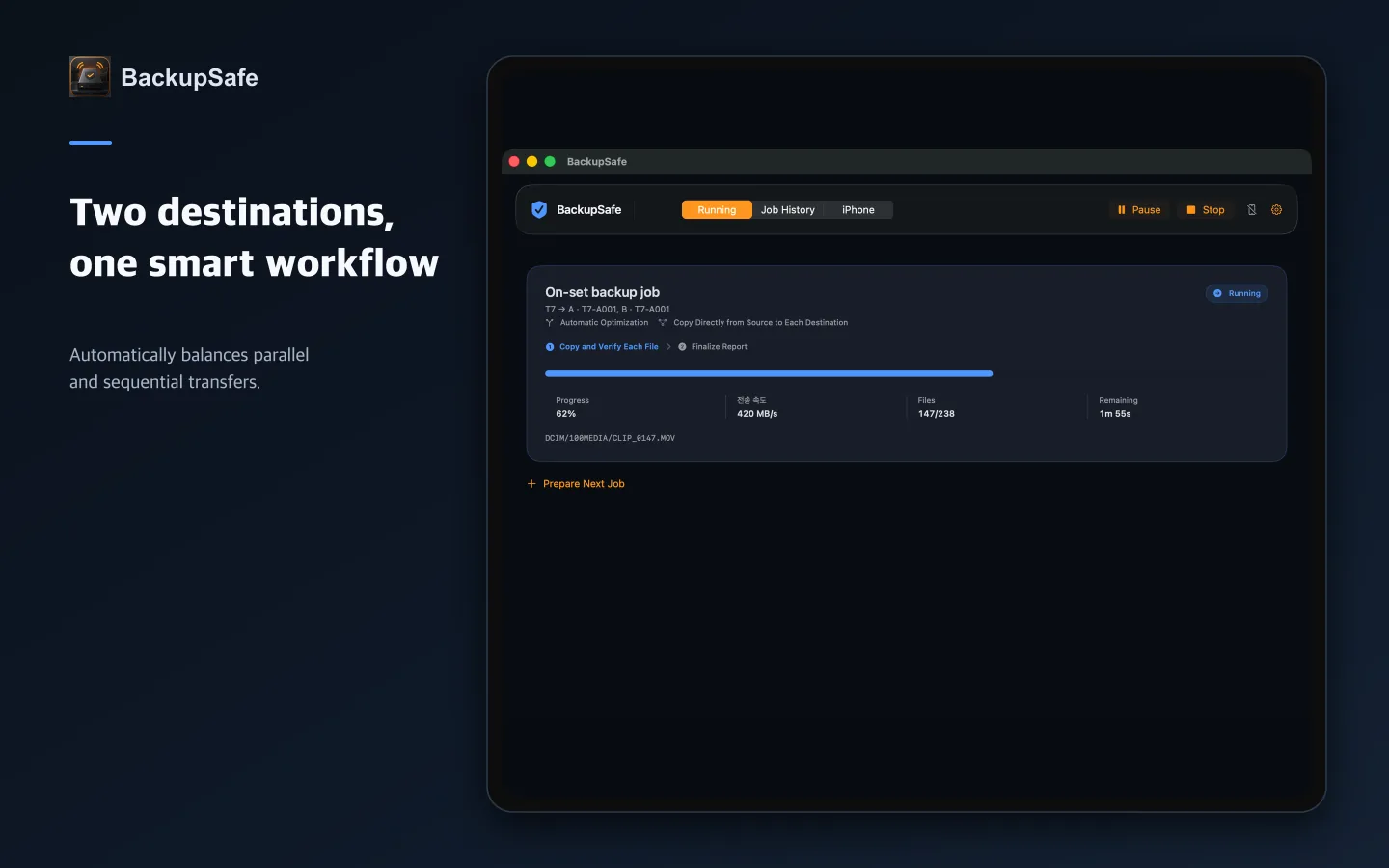
Choose two or more destinations for one source. Automatic optimization switches to sequential copying when concurrency no longer improves throughput.
 BackupSafe
macOS + iPhone
Copy to multiple drives and read every destination back for verification. Keep an eye on progress and results from a nearby iPhone.
BACKUP WITH EVIDENCE
BackupSafe never modifies source media, never overwrites an existing destination file automatically, and records success only after every required destination passes read-back verification.
Choose two or more destinations for one source. Automatic optimization switches to sequential copying when concurrency no longer improves throughput.
The job does not stop at writing. BackupSafe reads destination files and compares their checksums with the source.
A partial file is never treated as a verified backup. Preparing the job again copies incomplete files from the beginning.
Job history stores file-level results, with optional PDF, CSV, JSON, and ASC MHL reports.
Copy directly to each destination or use a cascading route, then save recurring setups as workflow presets.
Prepare reports while copying and, when requested, safely eject the source only after verification completes.
A CALM WORKFLOW
Select a folder or connected storage device.
Add as many separate physical media destinations as the job needs.
Check that every required destination has passed read-back verification.
NEARBY COMPANION
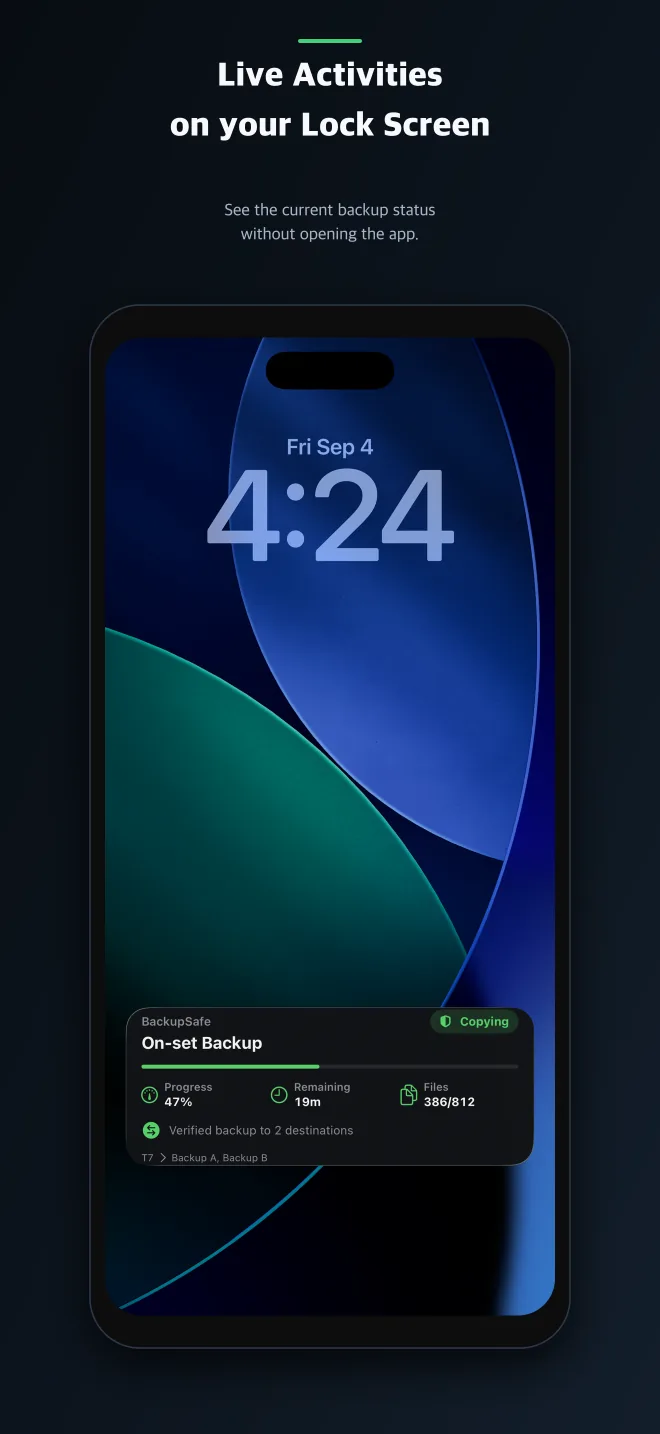
Receive progress, completion, and attention states from a registered Mac over nearby Bluetooth. Follow active work with a Live Activity, then get a clear notification when the job completes or fails.
BUILT FOR CAREFUL HANDOFFS
BACKUPSAFE
BackupSafe includes the macOS backup app and its iPhone companion as one product.
BackupSafe assists with backup and verification; it does not guarantee the absolute integrity of storage media. Keep a separate secondary backup of important data on different media.